A preflight checklist for newsletters written in Notion
Check content, audience, links, layout and approvals before sending a newsletter written in Notion, with a simple reusable preflight.
The final newsletter check works best when it is short enough to use every time. Keep it close to the campaign record and make each check something a person can actually verify.
For a newsletter written in Notion, work through the content, destination and rendered email before releasing the campaign. The same checklist helps whether you copy the draft manually or use Nocadi to connect it to your email platform.
Check the message and the version
Read the subject line, preview text and opening paragraph together. They should describe the same message. Confirm dates, prices, product names and any offer terms against the relevant source.
Remove internal notes, unresolved comments that have been copied into the body and temporary text. Ask the reviewer to check the version that will actually be sent. If you make a meaningful change afterwards, repeat the affected checks and request review again where needed.
Check who receives it
Read the selected audience name carefully. Confirm that it is the intended list or group rather than a similarly named internal test group or another client's audience.
Keep recipient decisions in your email platform's audience system. Your writing calendar can refer to an audience without becoming a second subscriber database. For the first test of any new workflow, use an audience you control.
Check the rendered email
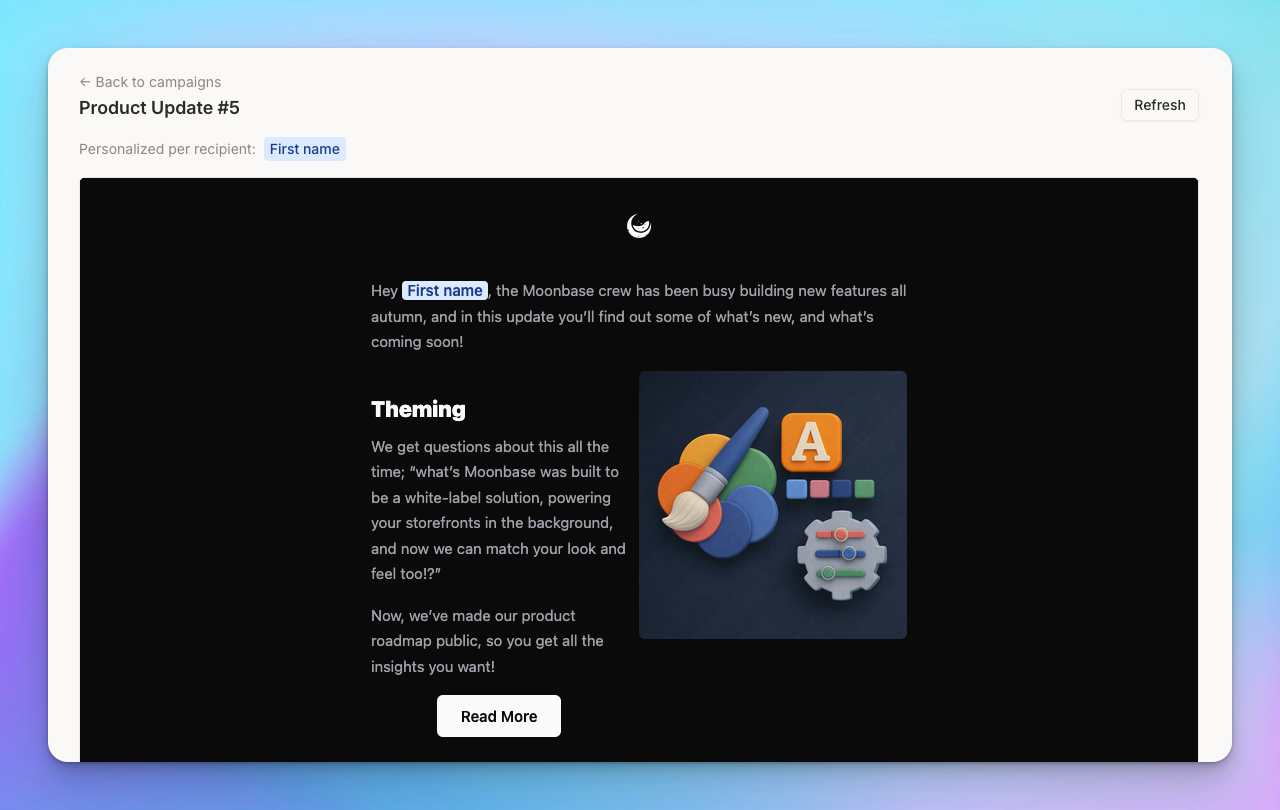
Open the preview, then send a test to a real inbox. Check desktop and mobile layouts. Make sure images are readable, headings make sense and the main action is easy to find.
Follow every link, including image links and the main call to action. Confirm that they reach the intended page and that any tracking parameters are correct. Look at the sender name, reply address, mailing address and unsubscribe link as part of the same review.
Check the sending instruction
In Nocadi, Ready to send builds or updates a draft. Send test requests a test message. Send to audience releases the campaign to the audience workflow. Make sure everyone who edits the database understands those commands.
If you use required approvals, confirm that the configured reviewers and approval count fit this campaign. If you schedule a send, check the time zone as well as the date. Nocadi's guide describes Send at times as UTC, so translate the intended local time deliberately.
Leave a useful record
After the campaign goes out, record the final link or campaign identifier and the send outcome. When statistics appear in Notion, check their last-updated timestamp before recording an observation.
If anything failed, write the specific problem and the step that would have caught it. Update the checklist only when that makes the next send easier to verify. A checklist with ten observable checks is more useful than a long document full of vague reminders.
Use this sequence on your next issue: content, audience, inbox test, approval and sending instruction. For the exact Nocadi properties and supported blocks, keep nocadi.com/guide available beside your campaign database.
